Prism viewer
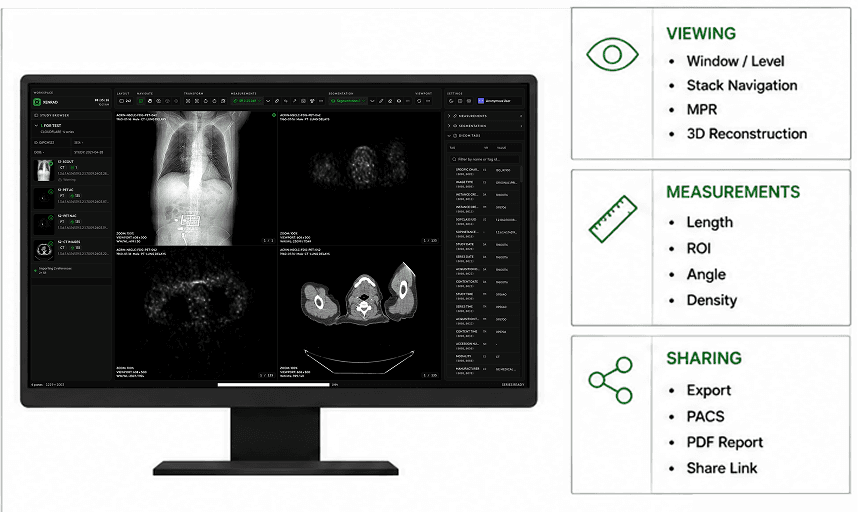
Prism is the built-in viewer. You open it from a study. Images load in the browser. There is no second app to install for ordinary reading.
Opening a study
From a study page, use Open in Prism. Prism should open with that study already selected. If your session expired, image calls fail until you sign in again and reopen.
What Prism is for
You use Prism to look at full-resolution images, compare series, window and level, measure, navigate stacks, play cine, and, when your site enables it, review segmentations. It is a reading tool, not a separate archive browser.
Notes and follow
Horizon can attach shared notes and let you follow another reader when that site uses collaboration. Measurements and segmentations still live in your browser first. After a short quiet stretch, Prism also stores a local copy. If a save fails, the viewer says so.
Learning the rest of Prism
The other Prism pages go one topic at a time: layouts, sync, window and level, navigation, measurements, segmentation, and series rails. Open the topic that matches the annoyance in front of you.